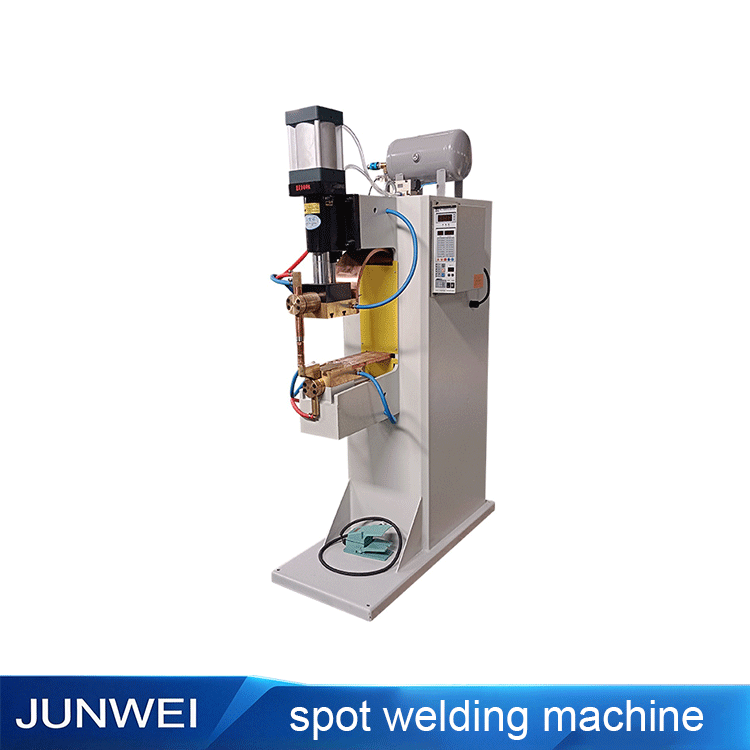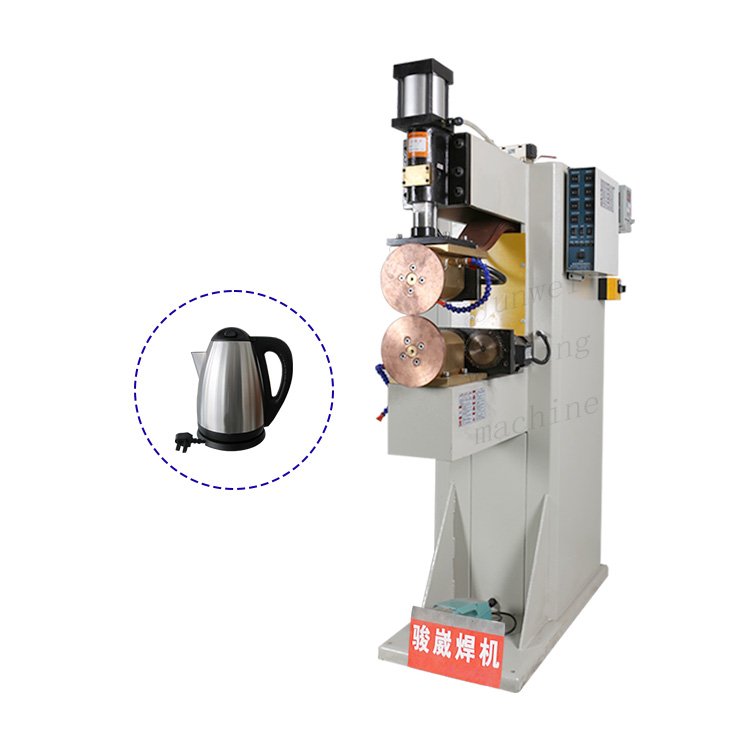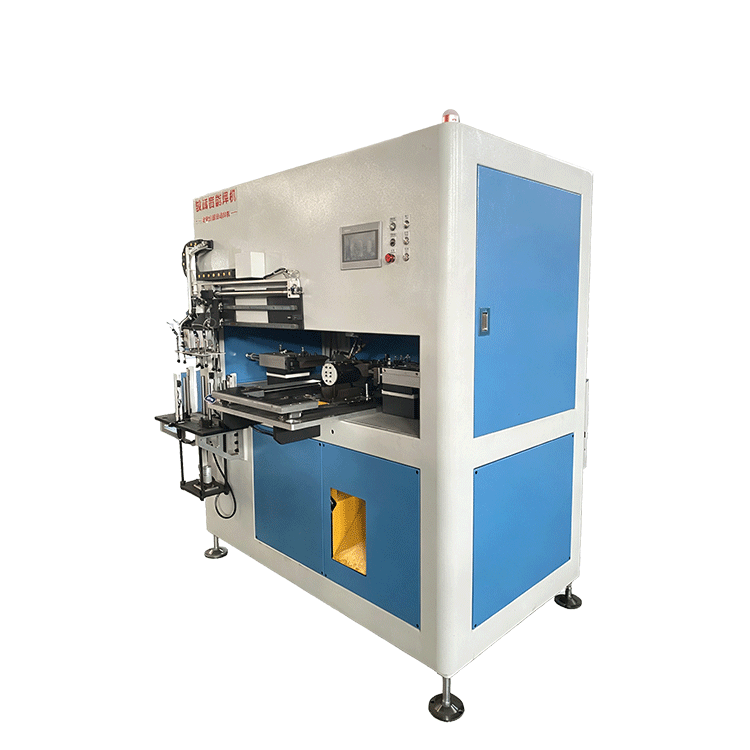
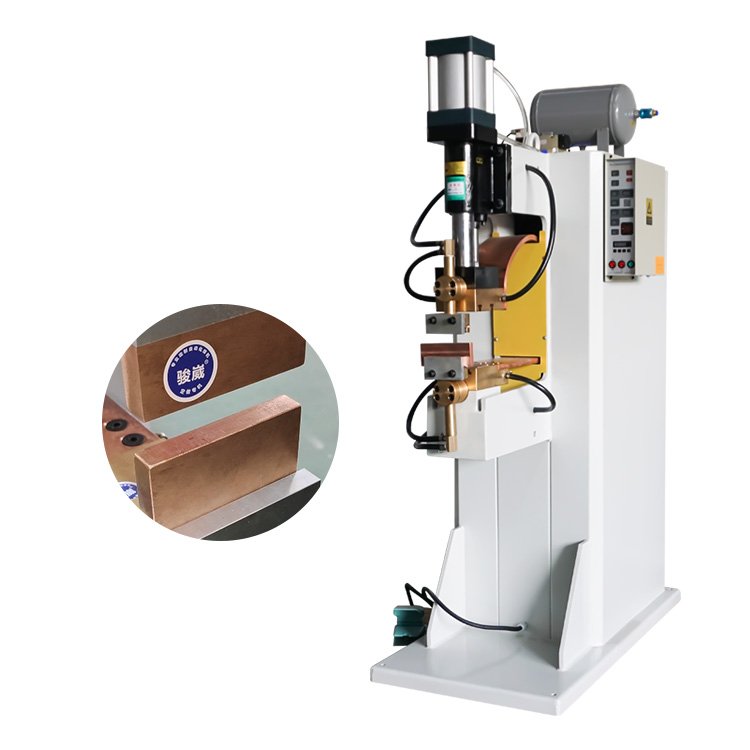
Reference equipment — T-welding configuration to be confirmed
T-welding machines
Start with the Joint.
Design the Setup.
Share the component drawings and T-joint layout with JUNWEI. Discuss positioning, tooling access and the production sequence around the assembly you need to make.
- T-joint geometry and component materials to review
- Positioning and fixture requirements for your assembly
- Tooling clearance around the joining area
- Loading and inspection needs discussed together
- Brand
- JUNWEI
- Product family
- T-welding
- Application
- T-joint assemblies, subject to application review
- Configuration
- Confirmed for your material and part geometry
Share your material, workpiece dimensions and production requirements.
A CLOSER LOOK
Equipment References for Your Discussion
Use these supplier reference views to discuss tooling and machine layout.
Joint access & positioning
Share the joint drawing to discuss tool access and component support.
Contact & fixture discussion
Discuss material contact, fixture location and tooling requirements for your assembly.
Operating sequence
Define loading, joining and inspection needs for the proposed equipment.
These are crops of the same reference photograph. They do not represent a verified T-welding configuration.
DEFINE YOUR APPLICATION
Define the Joint Before the Machine
- 01
Show both components
Provide material grades, cross-sections and the drawing of each component in the assembly.
- 02
Locate the joint
Show the joining position, component angle and alignment requirements in the assembled part.
- 03
Plan fixture access
Discuss how to hold the components, access the joint and load or unload the completed assembly.
MACHINE CONFIGURATION
From Part Drawing
to Equipment Selection.
Bring the assembly drawing and quality requirements into the equipment discussion. The joining process, machine ratings, tooling dimensions and production capacity require application-specific confirmation.
| Components | Material grades, section shapes, thicknesses and surface condition |
|---|---|
| Joint layout | Component angle, joint position, contact area and assembly drawing |
| Tooling access | Clearance around the joint and permissible contact areas |
| Clamping & support | Component location, alignment, support and loading method |
| Acceptance criteria | Weld quality, finished dimensions, inspection and finishing requirements |
| Production needs | Target output, loading method, part variation and automation scope |
INSIDE JUNWEI
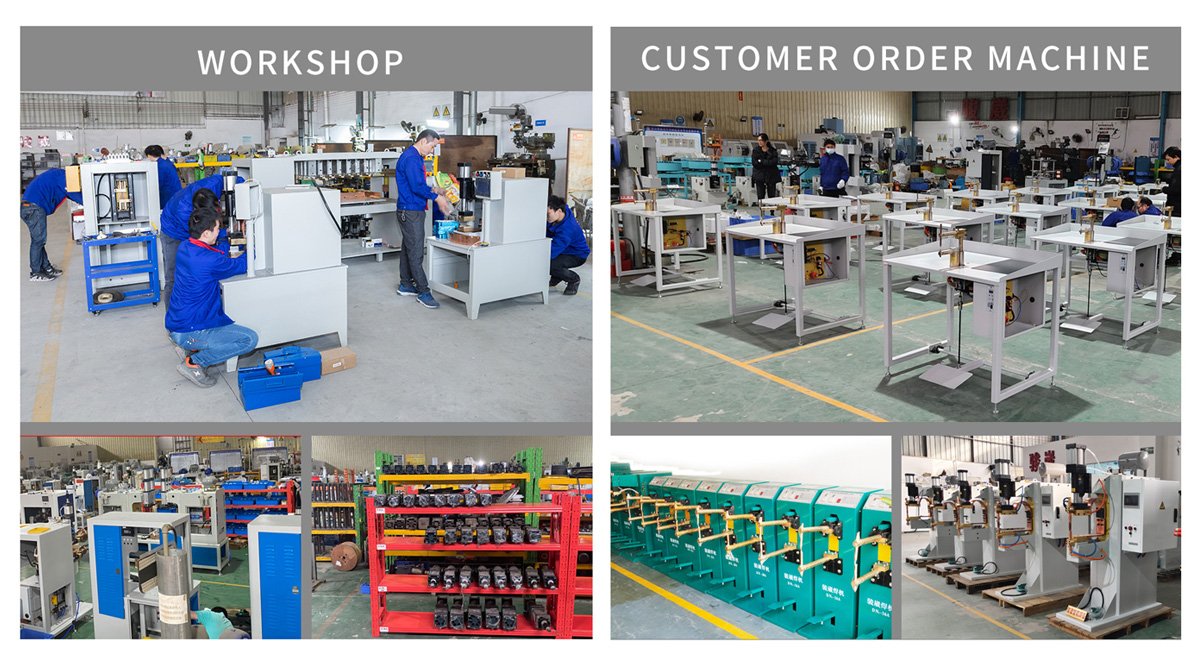
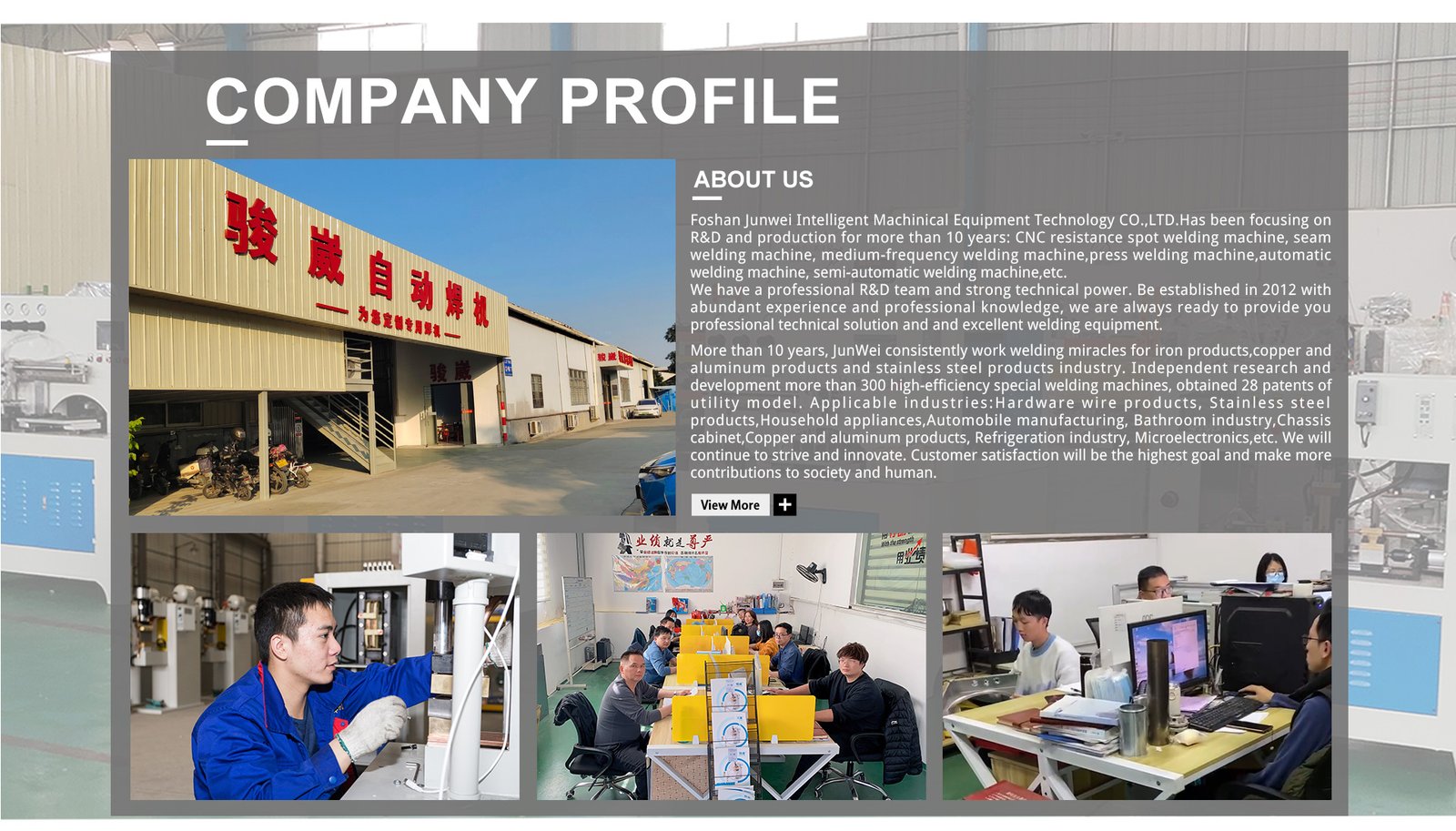
From Machine Design to Assembly
LET’S TALK ABOUT YOUR JOINT
Plan Your T-Welding Application.
Share the component drawings, joint layout and intended production workflow.
RELATED EQUIPMENT