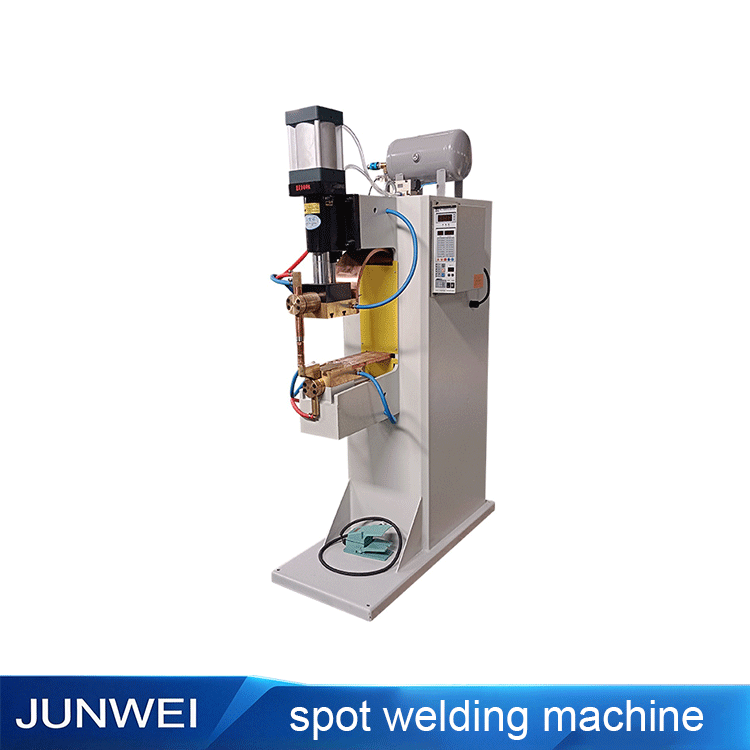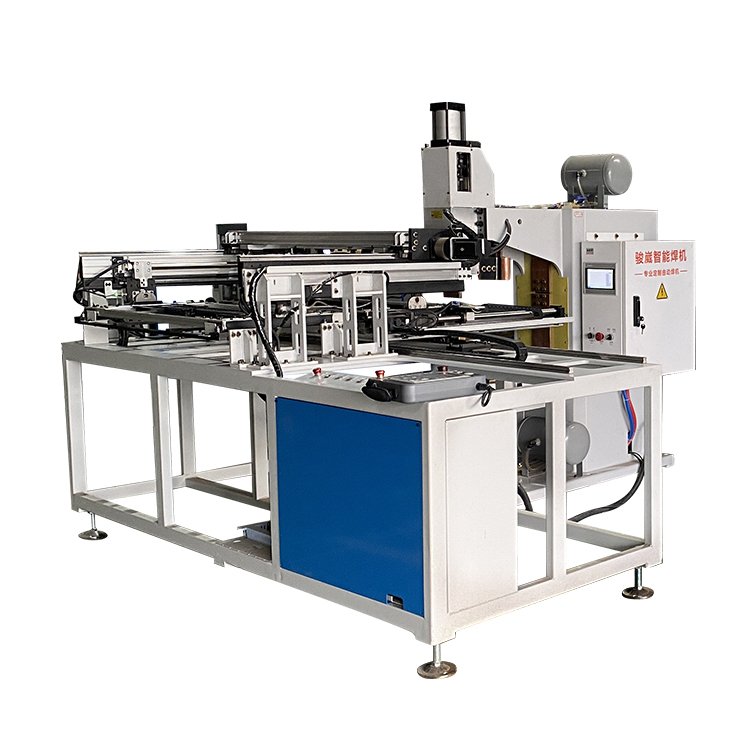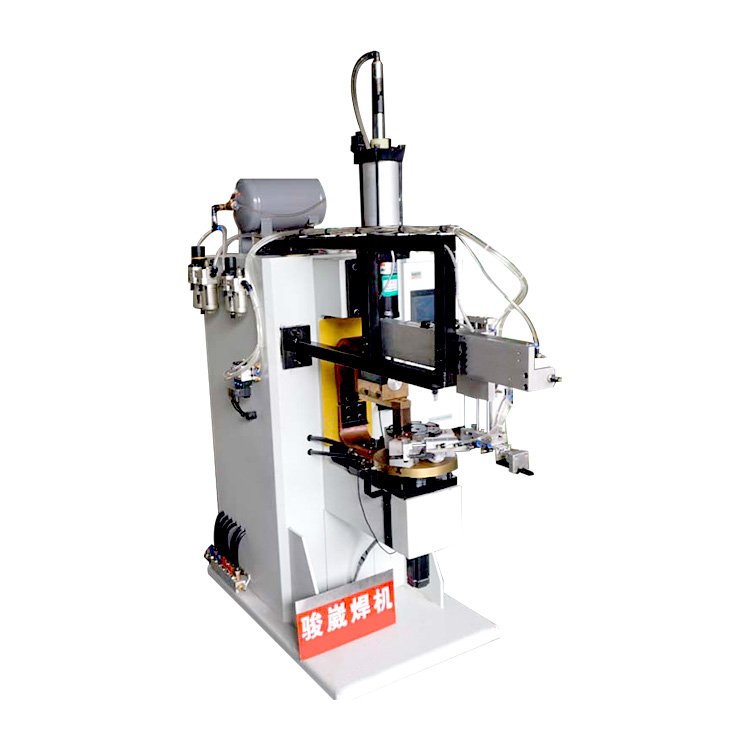
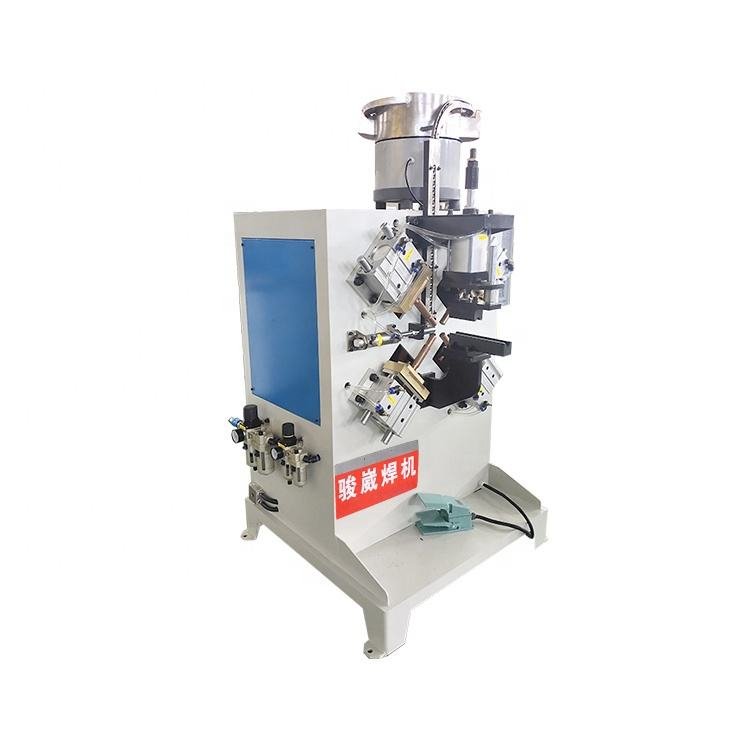
Machine photograph
Nut welding machines
Position the Part.
Plan the Welding Setup.
Explore dedicated equipment for nut and fastener assemblies. Bring your part drawing, fastener information and production requirements to discuss feeding, positioning and welding tooling with JUNWEI.
- Nut and tube welding equipment from the JUNWEI range
- Feeding arrangement to discuss for your fasteners
- Part location and welding access reviewed together
- Fixture and automation requirements for your workflow
- Brand
- JUNWEI
- Product family
- Automatic nut welding
- Applications
- Nut, fastener and tube assemblies
- Configuration
- Confirmed for your workpiece
Share your material, workpiece dimensions and production requirements.
A CLOSER LOOK
Equipment Details from the Original Photograph
Review the machine arrangement, then discuss what your workpiece needs.
Fastener feeding arrangement
The upper assembly is visible in the supplier photograph. Share the nut size and geometry to discuss a suitable feeding arrangement.
Welding tooling & part access
Discuss the fastener position, part location and available access when defining the fixture and welding setup.
Loading & operator workflow
The original image shows a foot control and lower machine frame. Confirm the operator tasks and intended automation scope.
All three close-ups come from the same original equipment photograph.
DEFINE YOUR APPLICATION
Start with the Fastener and the Part
- 01
Identify the fastener
Share the nut or fastener drawing, dimensions, material and surface finish.
- 02
Locate the joint
Show the fastener position, part shape and the space available for tooling and support.
- 03
Plan the workflow
Discuss loading, feeding, inspection and the production requirements for the proposed setup.
MACHINE CONFIGURATION
From Fastener Drawing
to Equipment Selection.
Use the details of your nut and mating part to start the discussion. Electrical ratings, working dimensions, welding capacity and feeding compatibility need to be confirmed for the selected machine.
| Fastener | Nut type, dimensions, material and surface finish |
|---|---|
| Mating part | Material, thickness, shape and relevant drawings |
| Joint layout | Fastener positions, part location and tooling access |
| Feeding & loading | Fastener supply, part loading and operator tasks |
| Production | Required output, product changes and automation scope |
| Acceptance criteria | Weld quality, inspection and sample requirements |
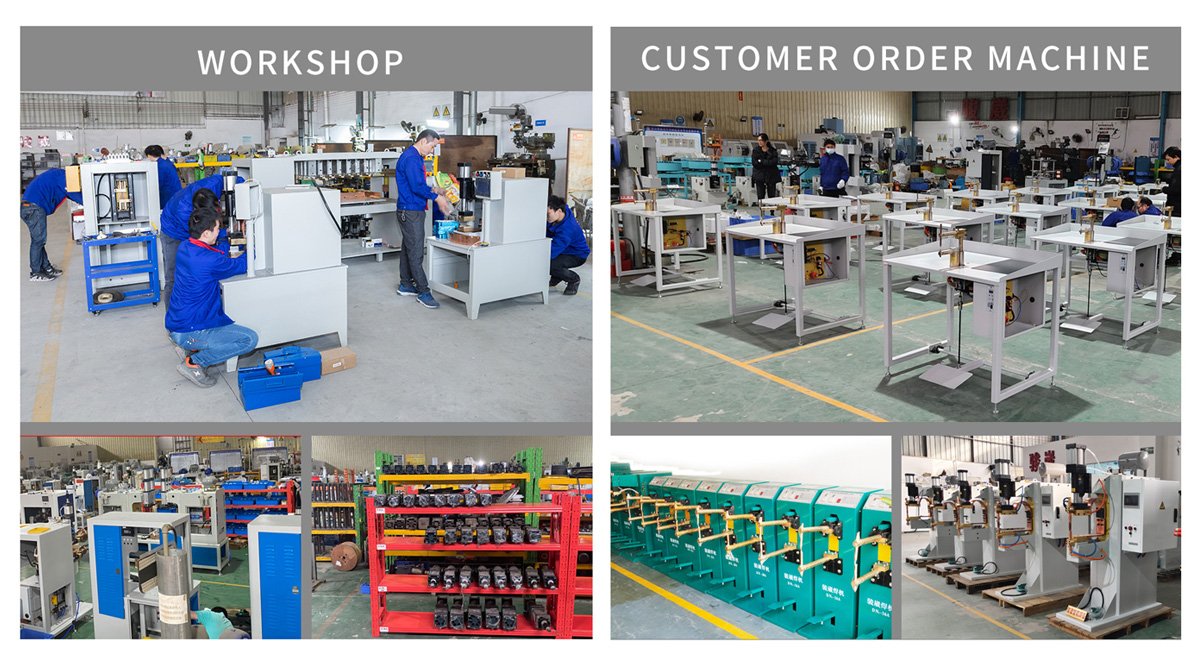
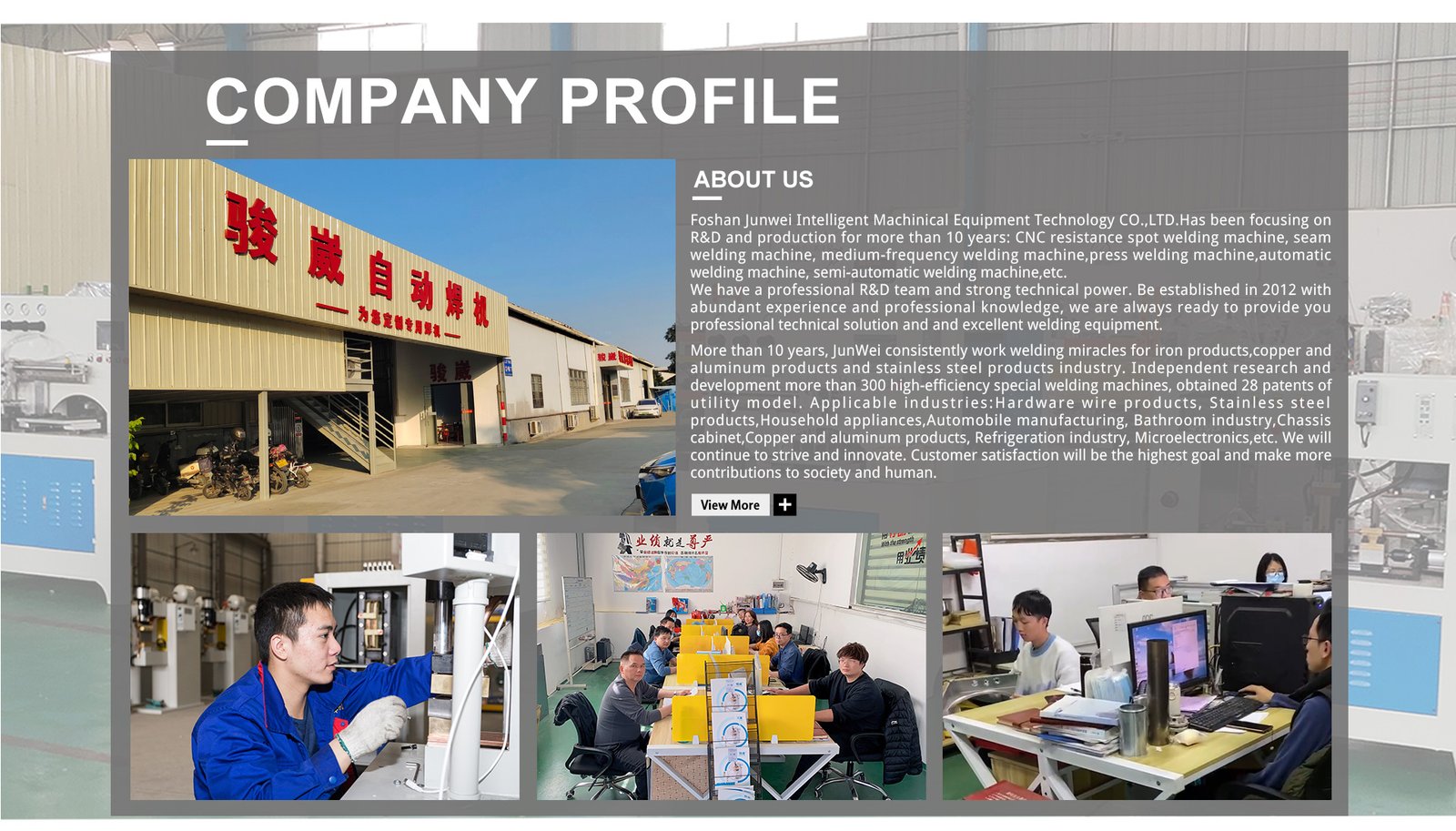
INSIDE JUNWEI
From Machine Design to Assembly
LET’S TALK ABOUT YOUR ASSEMBLY
Share Your Nut and Workpiece Drawings.
Start with the fastener, the joint and your production requirements.
RELATED EQUIPMENT